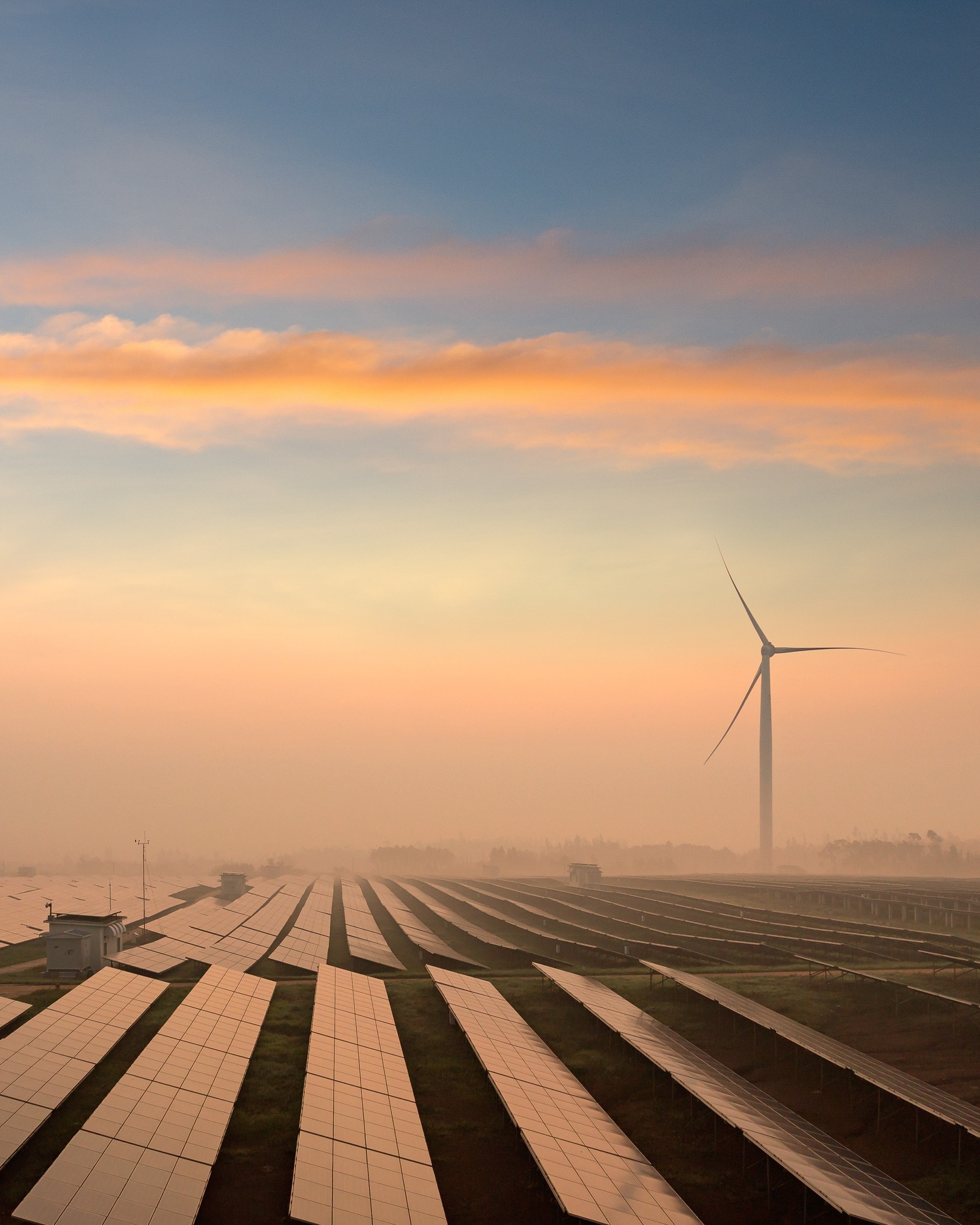
PHOTOMONTAGE Module
Create photorealistic visualisations of wind and solar farms
The PHOTOMONTAGE module offers unsurpassed features to create a realistic visualisation of a WTG project or any 3D object (e.g. power mast) in a landscape photo (normal or panoramic view) or based on Google Street View images. The module can also generate artificial landscapes as a wire grid or with artificial surface textures.
Get accurate stakeholder communication and permitting
Realistic Visualisations on Photos
With PHOTOMONTAGE, your wind or solar project looks real before it's built. The tool considers size, shape, shading, and positioning for accurate, photo-based visualisations — whether from standard photos, panoramas, or full 360° views.
You can also create schematic visualisations using artificial or wire-grid landscapes. Based on an elevation model with Earth curvature and automatic terrain masking, the tool offers pixel-perfect fine-tuning when needed.
Wind Turbines Visualisation
Easily design and edit turbine layouts within the GIS-based platform. Choose from hundreds of detailed, customisable models for towers, nacelles, and blades — and add 3D elements like aviation lights, transformer stations, or offshore foundations.
Highlight key features with colors, wire-frames, or auto-annotations. Generate clear reports with visibility stats, distances, and recommended viewing angles for effective project documentation.
PV Plant Visualisation
Create photorealistic visualisations of PV plants in just a few clicks. Easily define the area using the SOLAR PV module — rows of panels automatically follow terrain contours and are displayed with accurate size, tilt, orientation, and lighting based on time of day.
Use windPRO’s built-in PV panel library with auto-layout options or import your own models for customised results.
SketchUp integration
SketchUp can be used as a 3D editor for objects to render on the photos. Together with the SketchUp Integration Module it is possible to export photo-matched images to SketchUp as well as background maps, elevation data and much more. 3D elements from 3D Warehouse can be used with great ease.
SketchUp can be used to make a web-based 3D presentation of the visualisations created with PHOTOMONTAGE.
Easy and Accurate Calibration
High-precision visualisations start with accurate calibration — and PHOTOMONTAGE makes it simple. Calibrate using known GIS points, high-res satellite maps, horizon lines, wire-grids, or trace lines from other cameras.
Want to skip the manual work? Use the Auto-Optimise feature to let PHOTOMONTAGE handle calibration for you.
Online Access to Terrain and Map Data
PHOTOMONTAGE connects directly to global and high-resolution national elevation data — automatically setting accurate heights for turbines, panels, and viewpoints.
Elevation data is also used for generating artificial landscapes, wire grids, and horizon lines. Plus, online maps and satellite images make layout design, photo calibration, and foreground masking faster and more precise.

Show the future with confidence
Turn your project plans into compelling visual stories with the PHOTOMONTAGE module
Use PHOTOMONTAGE for Permitting & Environmental Impact
Permitting wind energy projects requires more than just technical performance — it demands regulatory compliance, environmental sensitivity, and strong community engagement. Environmental impact assessments (EIAs) must be must be thorough and the findings well-communicated or the entire project can face costly delays or rejection.